Bleuwave Controls

Request a Controls Quote

Request a Controls Quote

Tell us about the facility, the current controls system, the equipment involved and what you are trying to achieve. The more you can share up front, the more useful our first conversation will be.

If you do not have drawings, a sequence or a points list — which is normal in older buildings — say so in the notes. Rebuilding that record is often part of the work.

What happens next

  1. We review what you sendFacility details, scope, existing systems and any documents you attach.
  2. We contact you to confirm scopeUsually a short call to make sure we are pricing the right thing.
  3. We schedule an assessment where warrantedAt a time that works around your operations, not ours.

In the field

Scope grounded in the actual facility

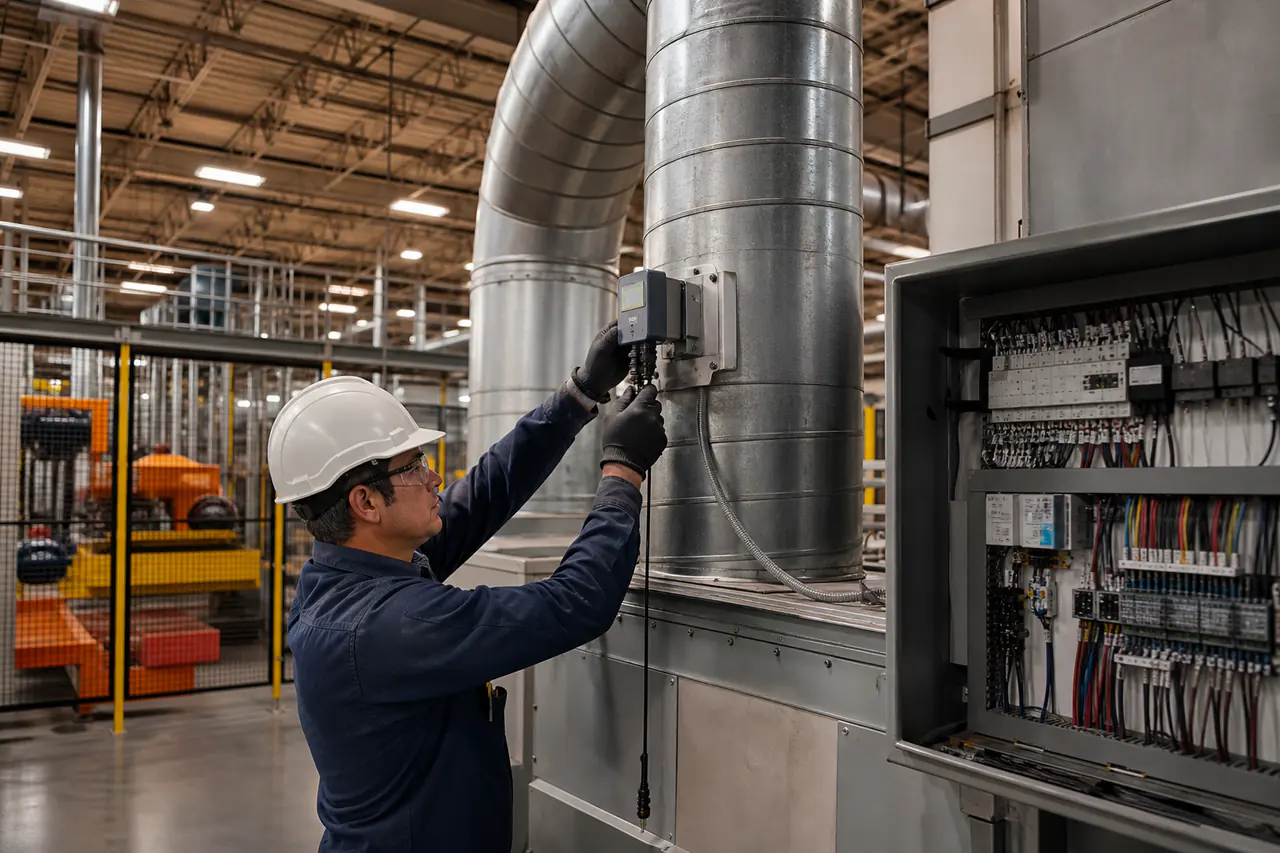
Commercial controls project assessment in Arizona
Good pricing begins with a clearly defined facility, equipment and controls scope.
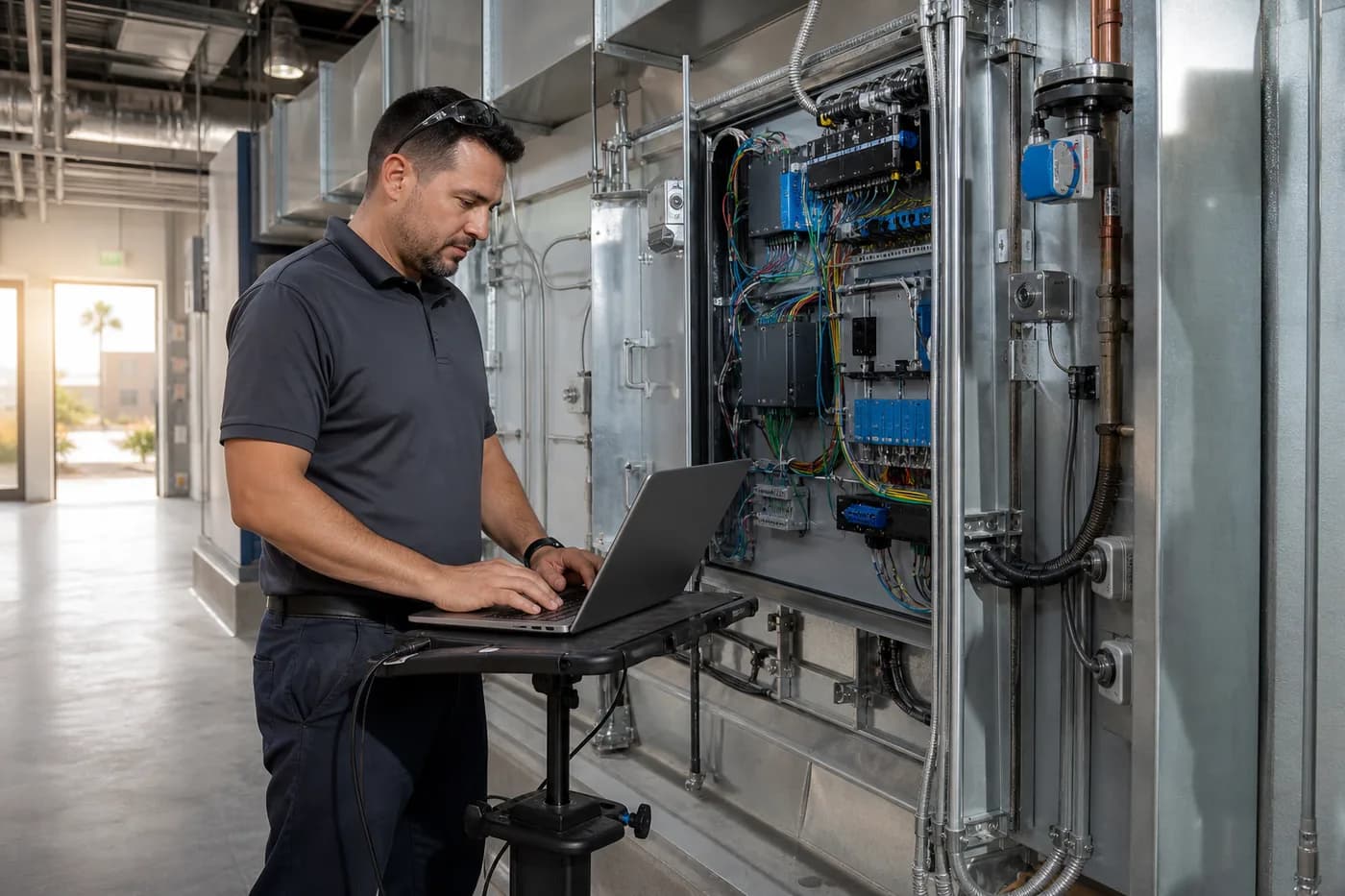
Controls technician commissioning building automation equipment in a mechanical room
Field verification connects the written sequence to actual equipment operation.
Commercial facility operator reviewing building automation performance
Clear graphics, trends and alarms help operators act on building conditions.

Project intake

Tell us about your controls project

Share what you know today. Approximate details are useful, and supporting files are optional.

Step 1Contact information

Who should we contact to confirm the scope and coordinate next steps?

Step 2Facility and timeline

Basic project details help us understand the site, operating environment and schedule.

if applicable
approximate is fine
approximate is fine
Step 3Controls scope

Select everything that may be in scope. It does not commit you to anything — it helps us route the request to the right people.

What is involved?select all that apply
Step 4Existing systems

Anything you know helps. “Not sure” is a perfectly useful answer — part of an assessment is finding this out.

if a spec exists
if any
Step 5Project goals and notes

Tell us what needs to change, what a successful result looks like and anything driving the timing.

Step 6Contact permission
Step 7 · OptionalSupporting documents

Upload available control drawings, equipment schedules, sequences, BAS screenshots, photos, existing documentation or project requirements. If you have nothing on file, that is fine — say so in the notes.

PDF, images, Office documents, DWG/DXF or ZIP · up to 25 MB each

You will receive a confirmation email. See our Privacy Policy.

CallServiceGet Quote
Request a Controls Quote | Bleuwave Controls